
Getting started with FarmID
FarmID brings workers, farms and cooperatives together around a digital skills passport, so that people who work the land get recognition for what they can do, in every country and every language.
Getting started: the worker creates a passport
Free, from a phone, in about 5 minutes. Download FarmID from the App Store (Android coming soon) or go to farmid.eu.
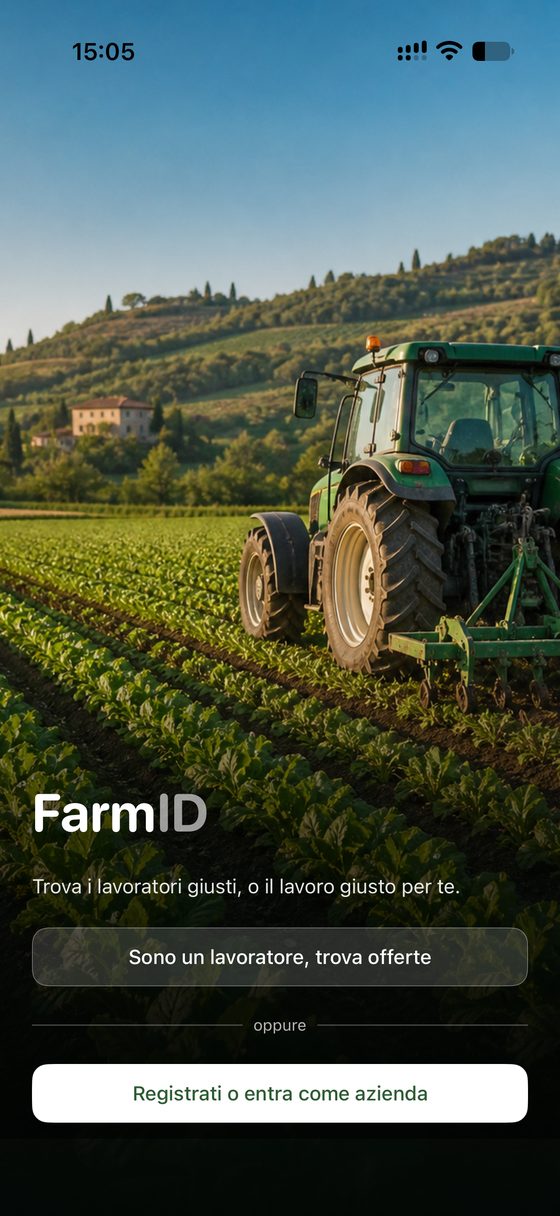
1Open the app
Tap “I am a worker, find offers”.
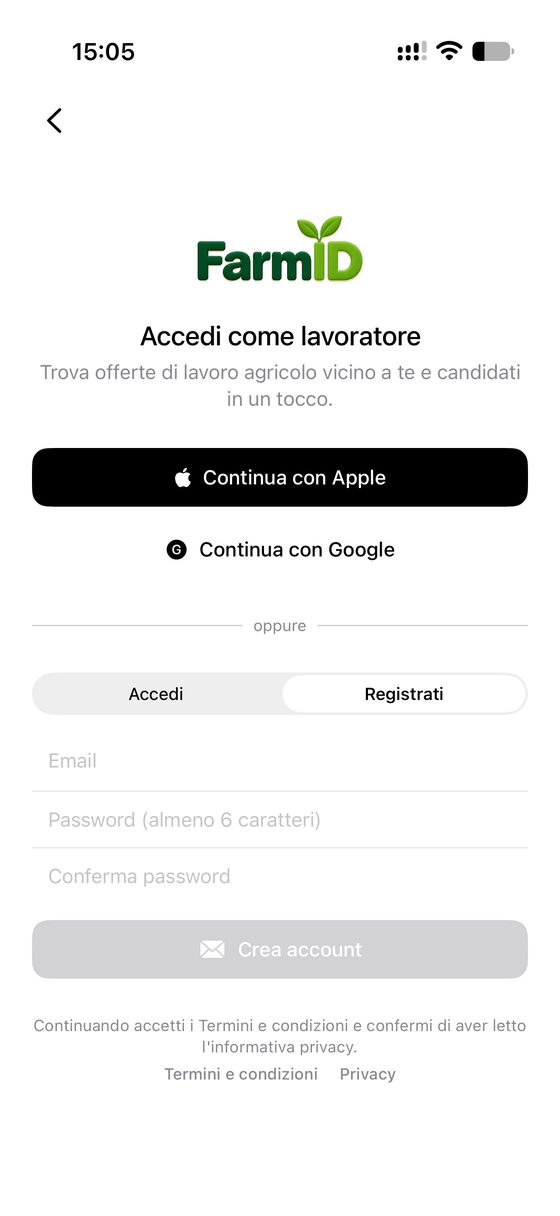
2Sign up
With Apple, Google or email and password.
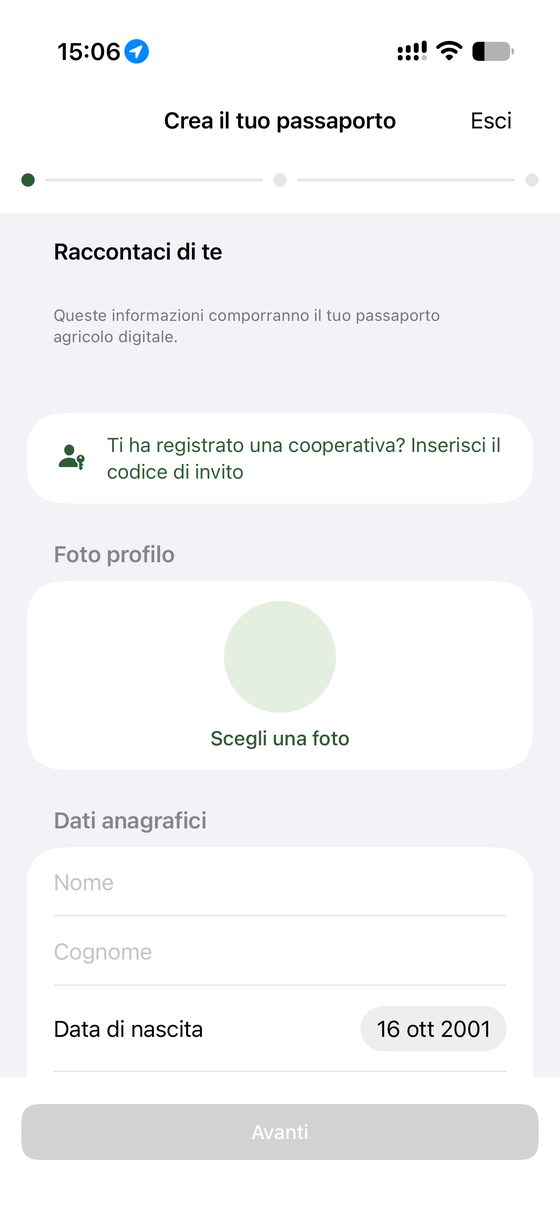
3Personal details
Name, date of birth, photo. If a cooperative registered you, enter the invitation code.
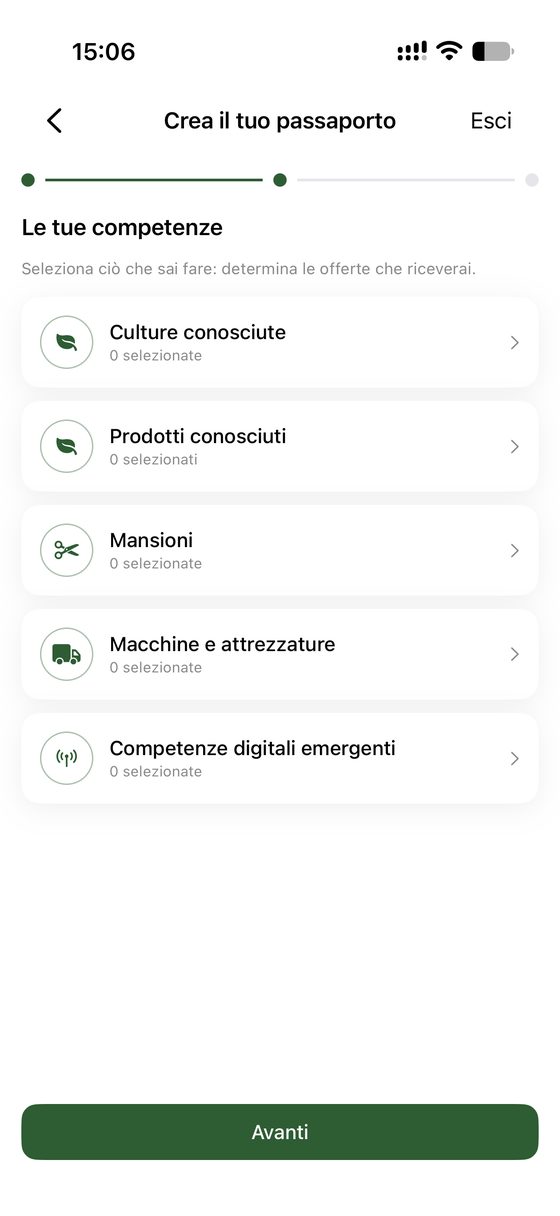
4Your skills
Five sections: crops, products, tasks, machinery, digital skills.
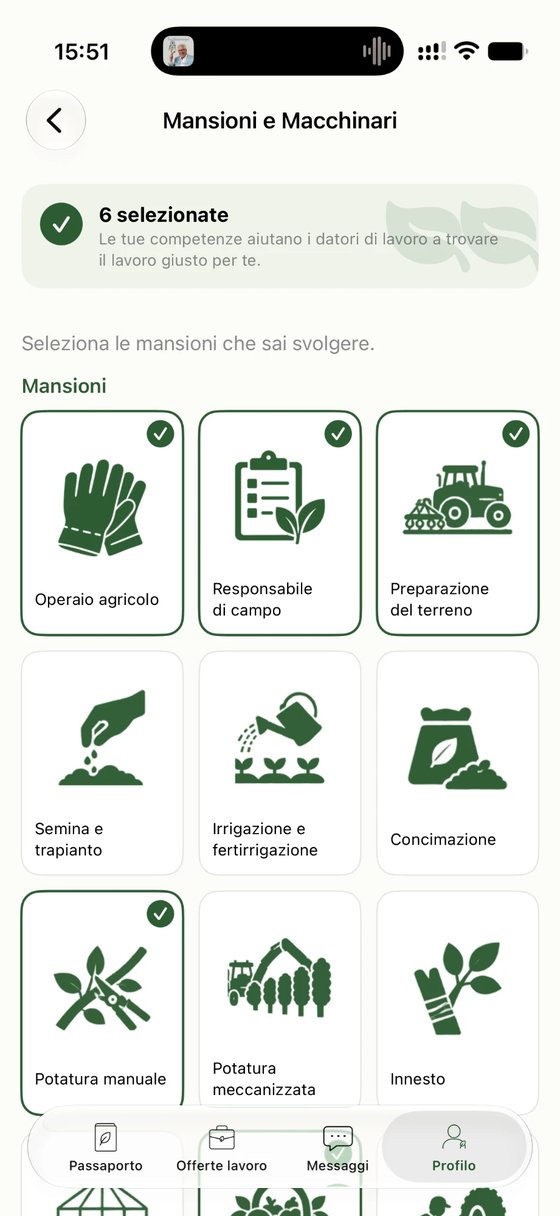
5Select what you can do
Tap the pictures: they decide which offers you receive.
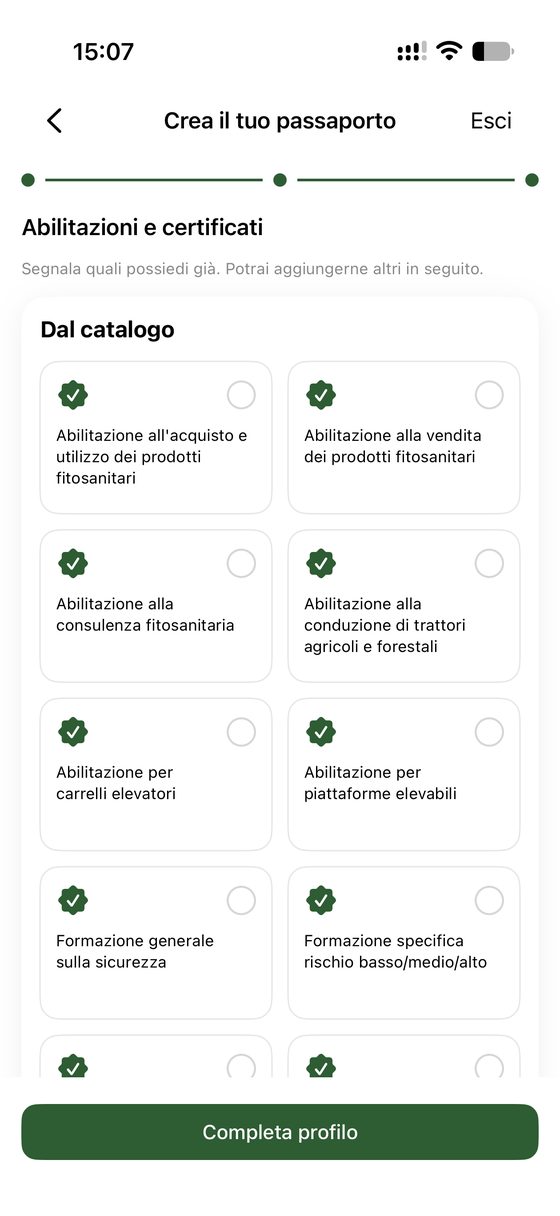
6Licences and certificates
Tick the ones you hold, with expiry date. Then “Complete profile”.
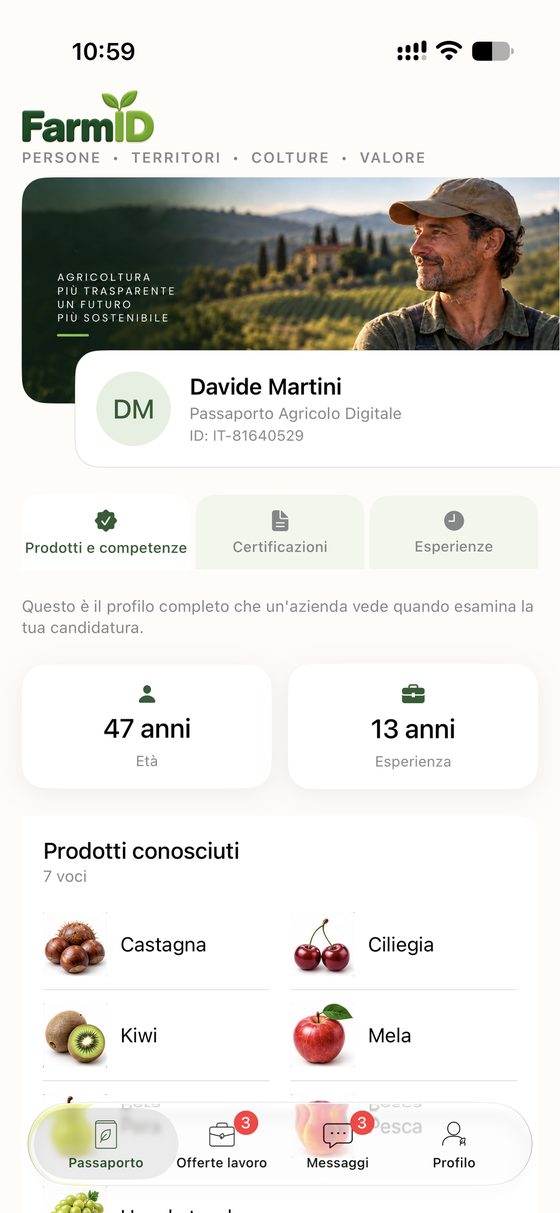
7The passport is ready
With a personal code. It grows with every job and rating.
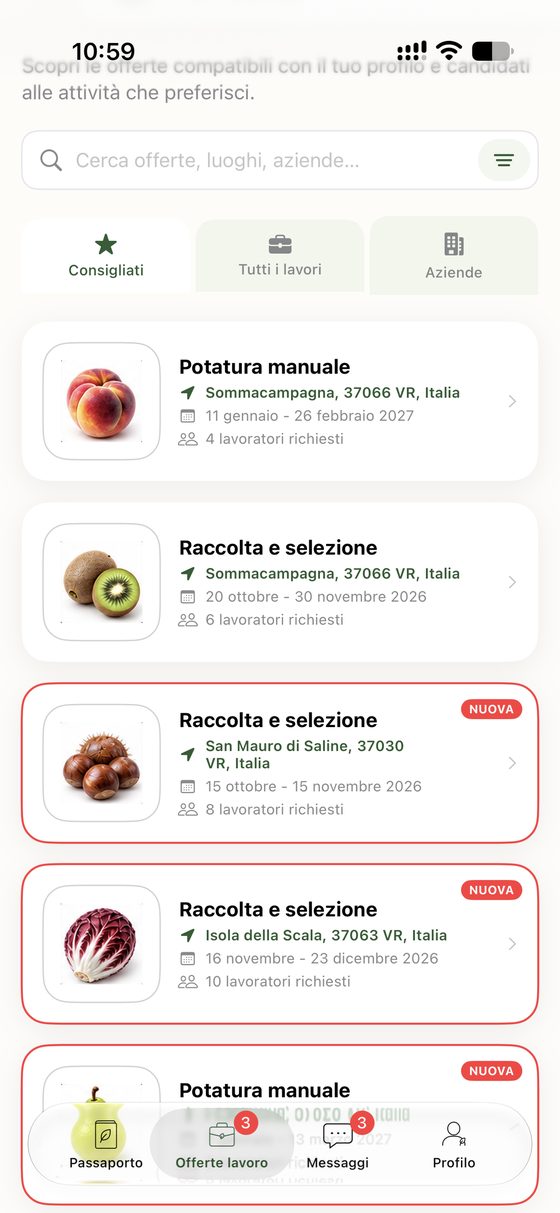
8Get offers and apply
“Recommended” shows offers that suit you; apply in one tap.
Getting started: the farm posts an offer
From the app or a computer (farmid.eu, farms section). The profile is created only once.
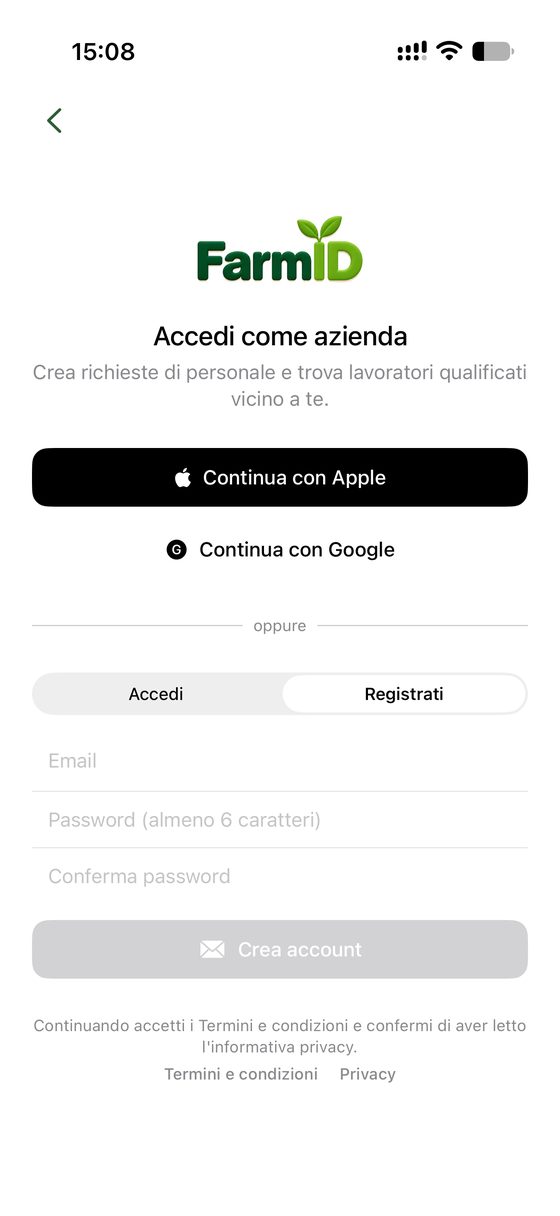
1Sign up as a farm
From the start screen: “Sign up or sign in as a farm”.
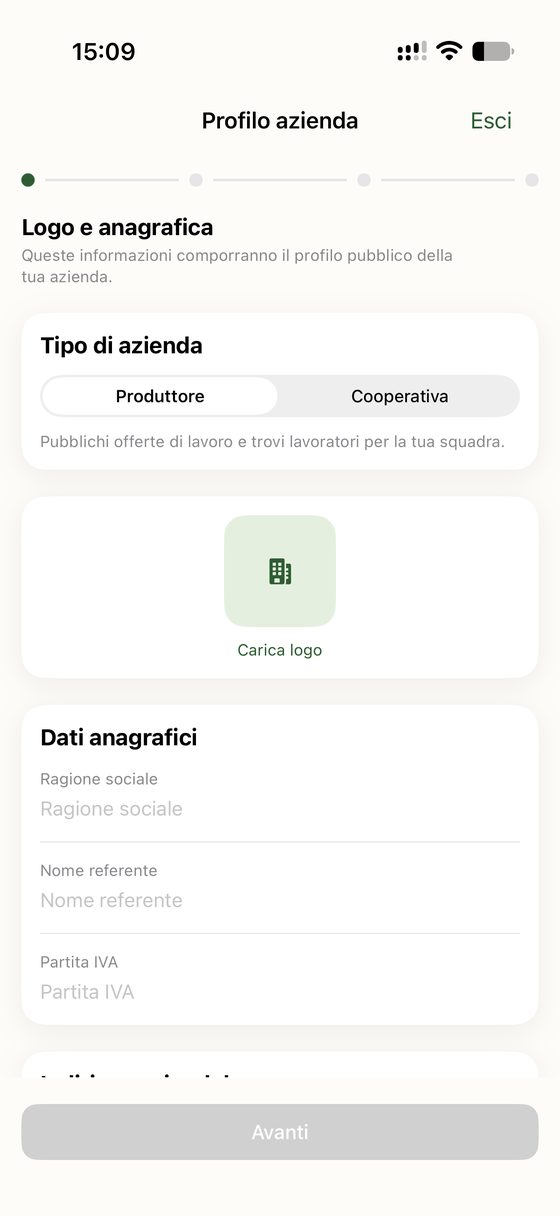
2Logo and company details
Producer or cooperative, company name, contact person, VAT number.
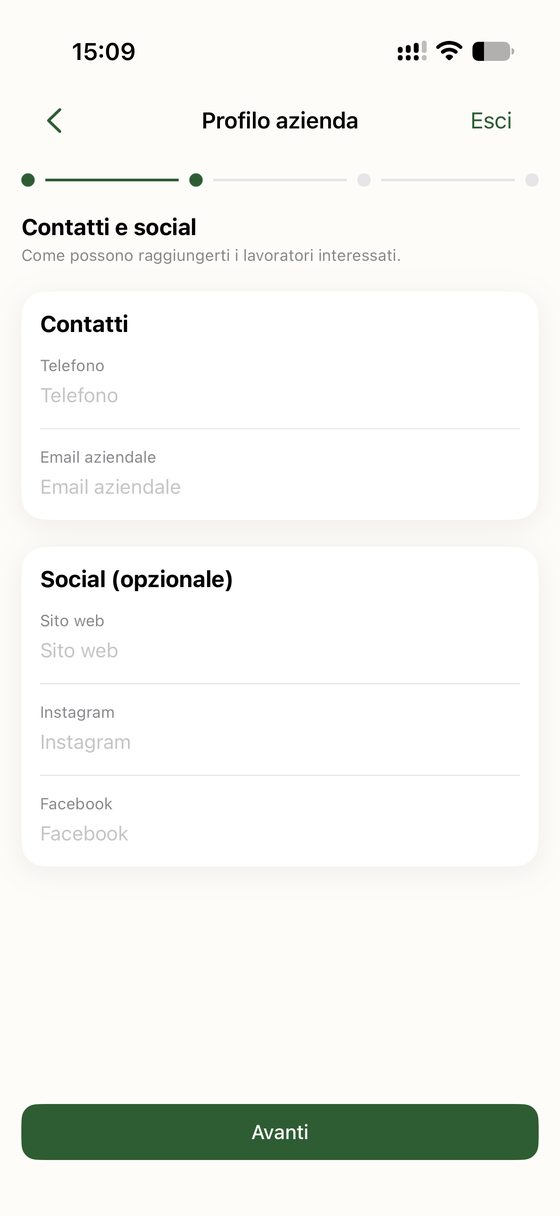
3Contacts
Business phone and email; website and social media optional.
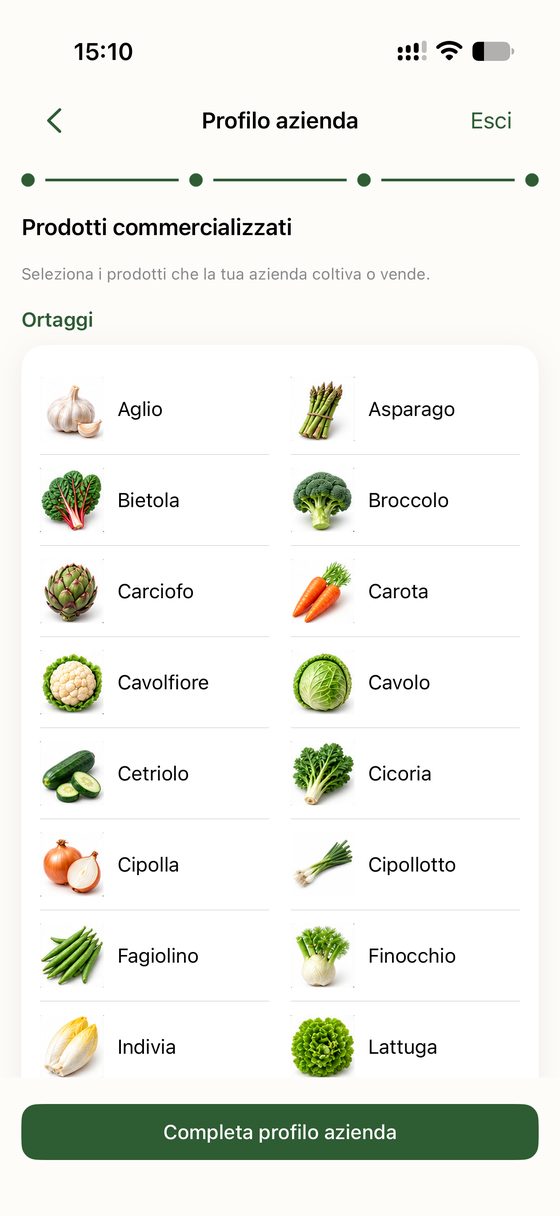
4Certifications and products
Organic, GlobalG.A.P., PDO, PGI… and the products you grow.
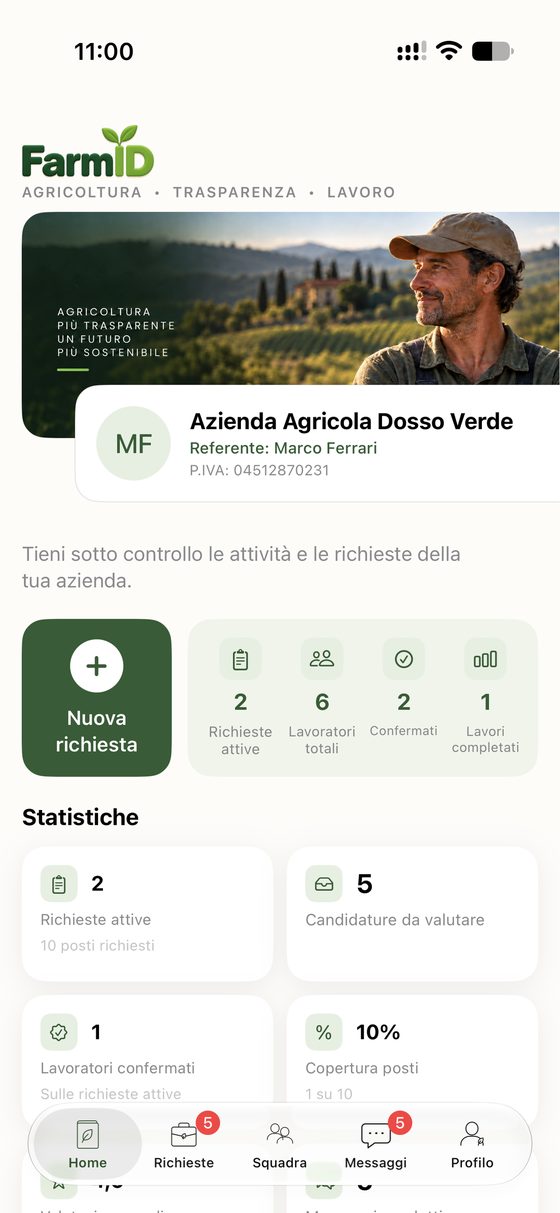
5New request
On the Home screen tap “New request”.
- 1. Job or tasks required.
2. Number of people, dates, location, indicative pay and requirements (products, machinery, certificates).
3. Preview and “Send request”.6Fill in the offer in 3 steps
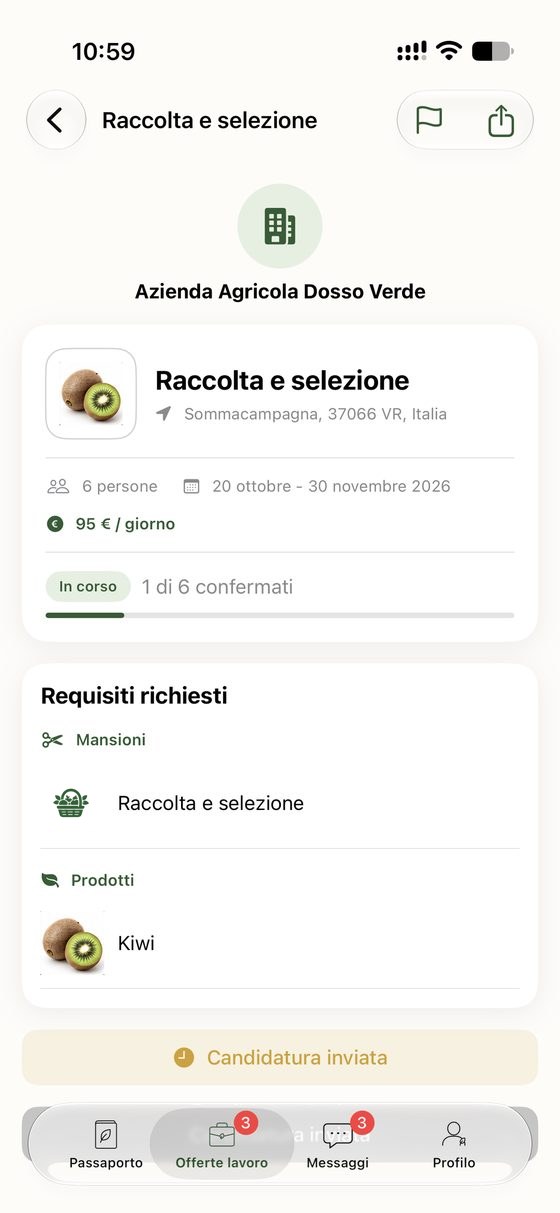
7What workers see
The offer only reaches people with the required skills in the area.
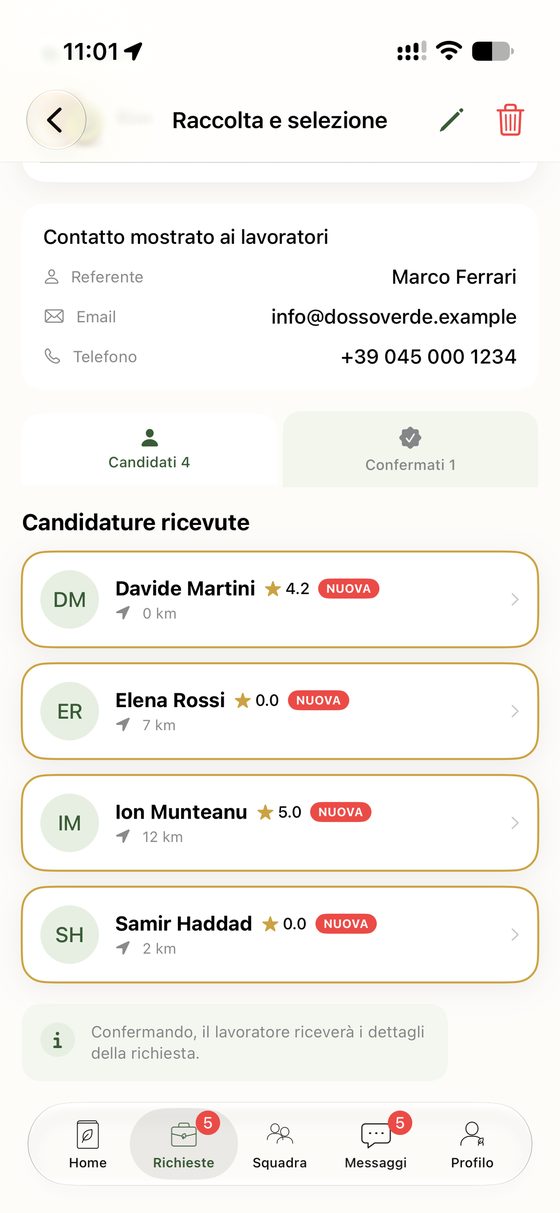
8Choose and confirm
Review candidates' passports and confirm your team.
App screens shown in Italian. The app is also available in English, Spanish, French, German, Romanian, Arabic and Punjabi.